AI Fundamentals and Practical Tools Mastery
Overview
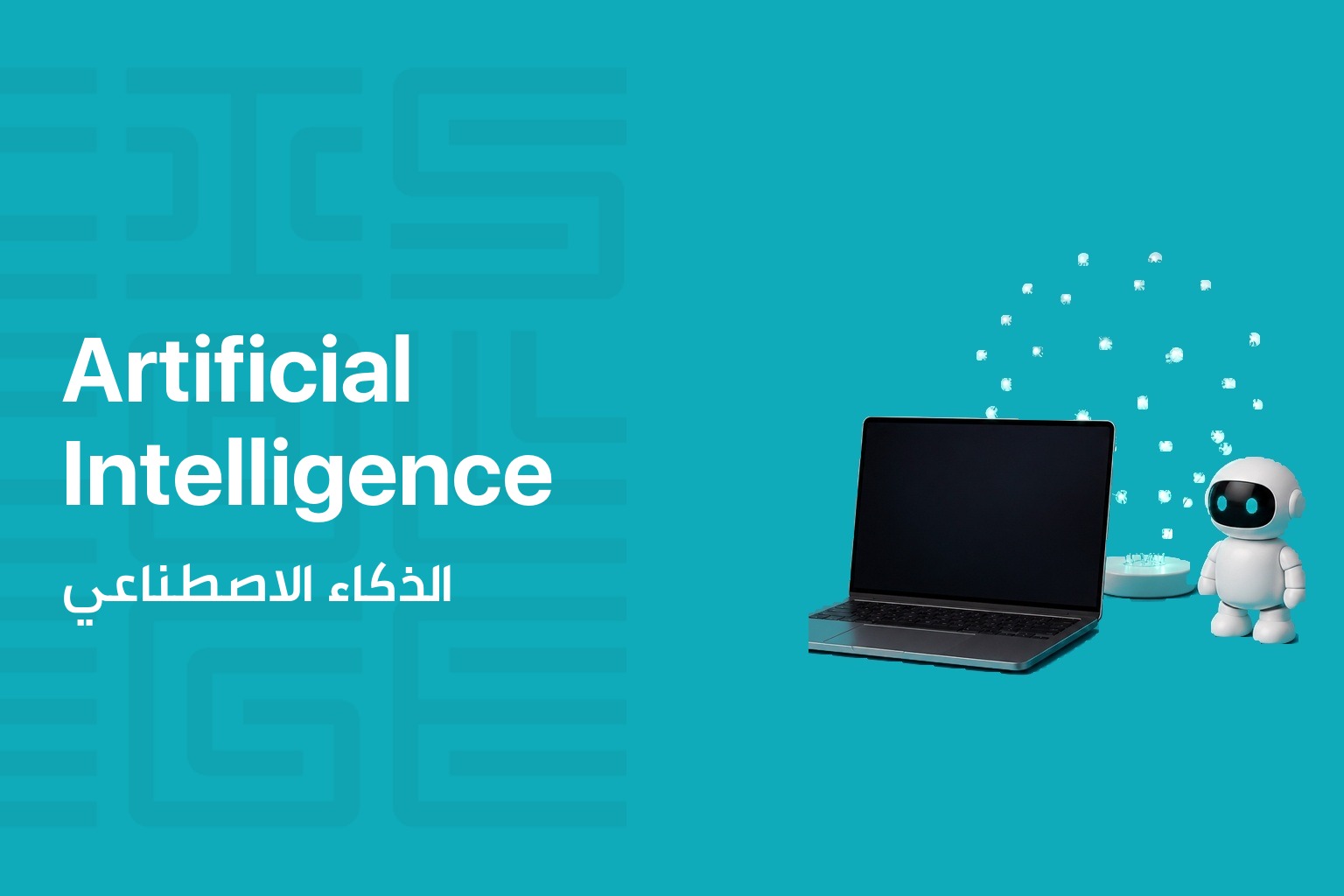
AI Fundamentals and Practical Tools Mastery is a 24-hour practical program built for students, professionals, and anyone who wants to bring artificial intelligence into daily life and work. You will get hands-on with more than 12 widely used AI tools spanning writing, visual design, video creation, automation, transcription, data analysis, and career development, learning through real-world tasks rather than theory alone.
Each session centers on a practical use case you can apply right away. The program closes with a capstone project where you apply the tools you learned to a personal or professional task of your choice, showing what you can now do with AI.
What You Will Learn
- Understand how AI can support everyday activities and professional work routines
- Write effective prompts tailored to different tasks and tools
- Get hands-on practice with tools for content generation, visual design, video, automation, and analytics
- Use AI for personal tasks such as note-taking, summarizing, daily planning, and creating media
- Build and refine professional documents including resumes, cover letters, and job applications
- Automate repetitive digital tasks with no-code AI-powered workflows and use AI to analyze data and manage your schedule
Course Curriculum
| Module | What you cover |
|---|---|
| Introduction to AI and Everyday Applications | Explore AI’s role in daily life and work, and set up accounts for tools such as ChatGPT, Canva, Notion, and Otter |
| Writing Effective Prompts | Practice designing task-specific prompts for personal and professional use with ChatGPT and Claude |
| Writing and Summarization | Draft and summarize emails, notes, blogs, and meeting summaries using ChatGPT and Notion AI |
| Visual Design Using AI | Create social graphics, posters, and invitations with Canva AI and Adobe Firefly |
| AI Video Creation | Turn scripts into narrated videos with branding and transitions using Pictory and Runway ML |
| Photo Editing and Enhancement | Clean up images, remove backgrounds, and sharpen photos using Remove.bg, Fotor, and Let’s Enhance |
| Voice to Text and Audio Notes | Transcribe meetings and personal notes and extract action items using Whisper and Otter.ai |
| Automating Daily Tasks | Build no-code automations for reminders and task tracking with Zapier, Make, and Bardeen |
| Data Analysis and Reporting | Extract insights from spreadsheet data using ChatGPT’s Code Interpreter and PaveAI |
| Planning and Scheduling with AI | Build AI-enhanced weekly planners and digital schedules with Notion AI and Mem.ai |
| Resume Writing with AI | Generate, rewrite, and format professional resumes using ChatGPT and Canva |
| Cover Letters and Bios | Create tailored cover letters and professional bios using ChatGPT and Grammarly |
| Job Search and Interview Prep | Use AI to match roles, search job boards, and practice interview questions with ChatGPT, Claude, and Teal |
| Personal Branding with AI | Build a personal brand identity package including logo and profile content with Looka, Canva AI, and Copy.ai |
| Capstone Project | Apply a combination of tools to a real personal or professional task of your choice |
| Final Presentations | Present your project results and discuss tool use and outcomes with peers |
Who This Course Is For
- Students who want practical AI skills for study and personal projects
- Professionals who want to apply AI in their day to day work
- Anyone looking to use AI in both personal and professional life
Target audiences
- Students
- Professionals
- Individuals looking to apply AI in personal and professional life
You May Like
Contact us to hear when new training sessions and official majors open for registration.
About us
CIS College delivers practical, career-focused technical and vocational education in Lebanon. We turn hands-on training into real employment outcomes.
Useful Links
Contact us
Follow us