Mobile Phone Maintenance and Repair
Overview
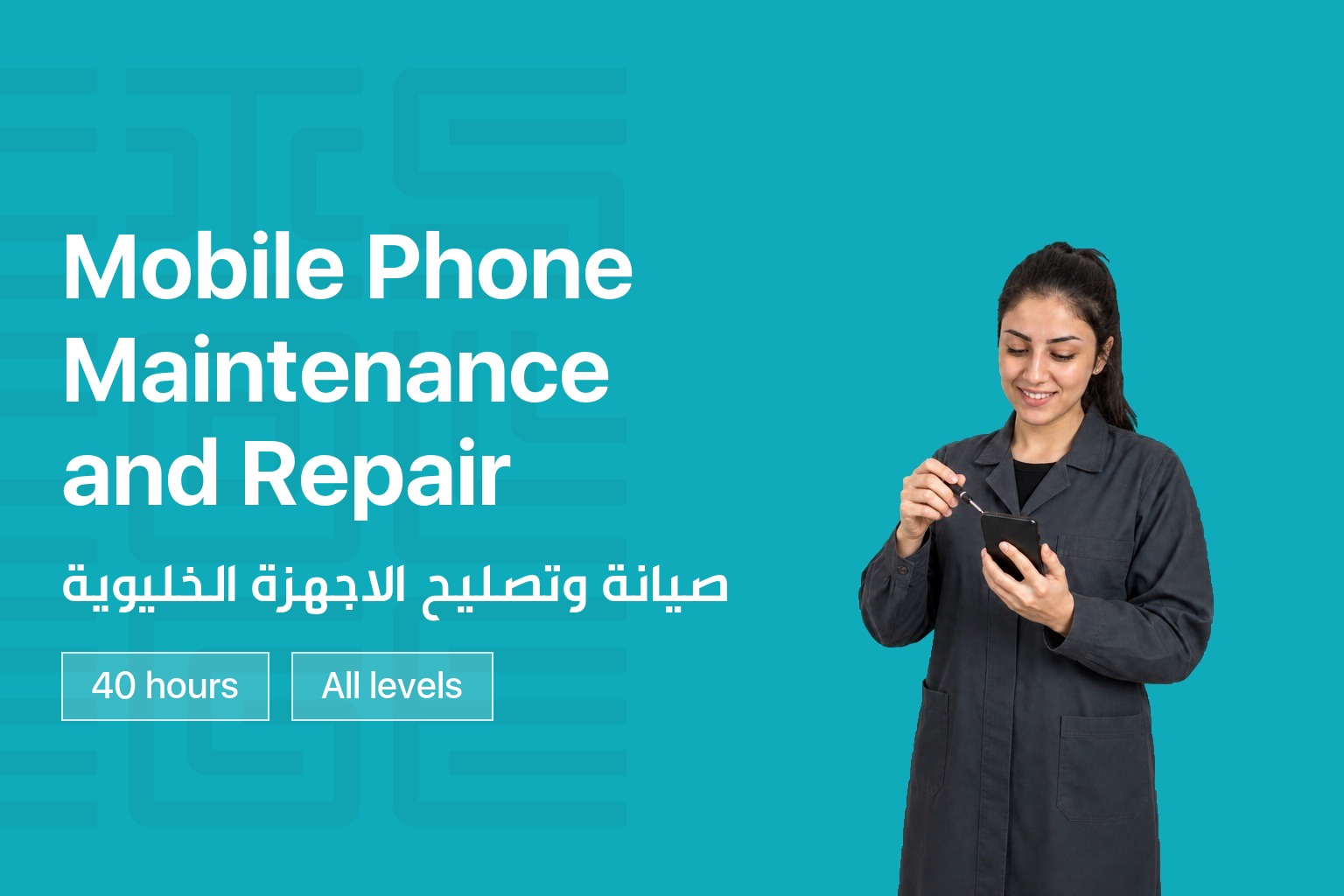
Mobile phones are part of daily life, and so is the steady stream of screen cracks, battery failures, and software problems that come with them. This course gives you a complete, hands-on introduction to diagnosing and repairing mobile phones and tablets, starting with basic electronics and customer service and building up to advanced screen replacement and water damage repair.
You will work directly with real devices throughout the course, learning to identify hardware and software issues, safely disassemble and reassemble popular device brands, replace core components, and handle two of the most common jobs in the field: screen replacement and water damage restoration. Whether you are starting a new career in mobile device repair or sharpening skills you already have, this course builds you into a confident, capable technician.
What You Will Learn
- Fundamentals of electronics and how they apply to mobile device repair
- How to diagnose hardware and software problems using diagnostic tools and symptom analysis
- How to identify water damage and recognize signs a device has been repaired before
- Safe disassembly and reassembly of popular device brands
- Replacement of key components including microphones, cameras, speakers, charging ports, and Wi-Fi antennas
- Troubleshooting Android and iOS software issues, including password removal and network unlocking
- Touchscreen digitizer replacement using heat removal, high pressure, and screw assembly methods
- Water damage cleaning and the UV glue screen refurbishment method
Course Curriculum
| Module | What you cover |
|---|---|
| Introduction to Electronics and Customer Service | Basic electronic components (resistors, capacitors, diodes, transistors) and the customer service skills every repair professional needs |
| Diagnosis and Troubleshooting – Part 1 | Proper diagnosis techniques for hardware and software issues and identifying common symptoms |
| Diagnosis and Troubleshooting – Part 2 | Identifying water damage, recognizing signs of prior repair, and referring clients to preferred vendors when needed |
| Disassemble and Assemble Procedures – Part 1 | Tools and peripherals used in repair, plus safe disassembly of popular brands |
| Disassemble and Assemble Procedures – Part 2 | Various disassembly procedures and identifying the function of basic device parts |
| Disassemble and Assemble Procedures – Part 3 | Replacing loudspeakers, audio speakers, headphone jacks, charging port flex cables, and Wi-Fi antennas |
| Software Troubleshooting – Part 1 | Troubleshooting software issues on Android devices |
| Software Troubleshooting – Part 2 | Troubleshooting software issues on iPhone devices |
| Software Troubleshooting – Part 3 | Password removal techniques |
| Software Troubleshooting – Part 4 | Network unlocking procedures |
| Software Troubleshooting – Part 5 | Identifying and addressing device blocks due to theft or non-payment |
| Software Troubleshooting – Part 6 | Resolving common iTunes errors |
| Topics Review and Assessment | Review of topics covered so far, open discussion, and a knowledge assessment |
| Screen and Assembly Replacement – Part 1 | Changing touchscreen digitizers using heat removal and high pressure techniques |
| Screen and Assembly Replacement – Part 2 | Changing touchscreen digitizers using screw assembly |
| Screen and Assembly Replacement – Part 3 | Preventing fingerprints and dust on displays, and identifying the right adhesive for each device |
| Screen and Assembly Replacement – Part 4 | Repairing dents on device frames and installing the proximity sensor after screen replacement |
| Water Damage Removal – Part 1 | Identifying exterior and interior corrosion and executing different cleaning methods |
| Water Damage Removal – Part 2 | Removing the motherboard plaque and using the tools and chemicals needed for water damage repair |
| Refurbish Screens with UV Glue Method – Part 1 | Identifying when the UV glue method is needed, plus techniques to prevent damage and save time |
| Refurbish Screens with UV Glue Method – Part 2 | Separating glass from LCD screens, cleaning materials, mold use, and glue application and curing |
| Topics Review and Assessment | Review of topics covered, open discussion, and a final knowledge assessment |
| Soft Skills Part I | Effective communication, customer service fundamentals, and time management |
| Soft Skills Part II | Teamwork, problem-solving, adaptability, and guidance on starting your own repair workshop |
Who This Course Is For
- Anyone looking to start a career in mobile device repair
- Repair technicians who want to strengthen and formalize their skills
- Entrepreneurs planning to open their own mobile repair workshop
Certification
Graduates receive a certificate of completion recognized by Lebanon’s Directorate General of Technical and Vocational Education, confirming their skills in mobile phone maintenance and repair.
Target audiences
- Individuals looking to start a career in mobile device repair
- Repair technicians wanting to formalize and strengthen their skills
- Entrepreneurs planning to open their own mobile repair workshop
Requirements
- No prior repair experience required
- Basic familiarity with smartphones and computers
You May Like





Contact us to hear when new training sessions and official majors open for registration.
About us
CIS College delivers practical, career-focused technical and vocational education in Lebanon. We turn hands-on training into real employment outcomes.
Useful Links
Contact us
Follow us