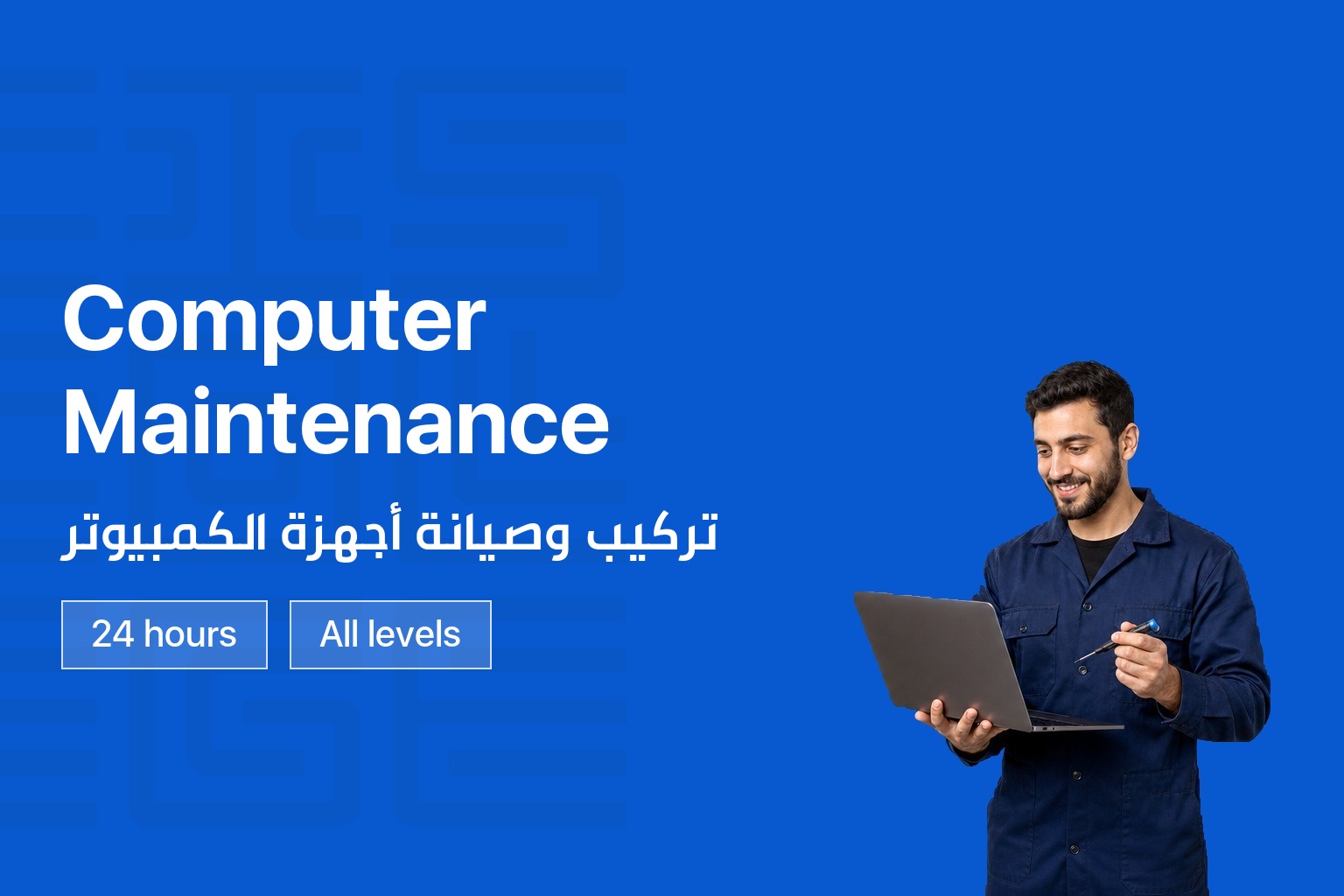
Computer Maintenance
Overview
This course introduces you to the personal computer as a system: how it is built, how its parts work together, and how to keep it running. You will work directly with motherboards, processors, memory, ports, and cables in CIS College’s computer labs, and you will learn to spot hardware problems and fix them with confidence. The course also covers the basics of networking, from cabling and topologies to the TCP/IP protocols that connect computers together.
Sessions combine short theory blocks with hands-on lab work. You will disassemble and reassemble real computers, diagnose common hardware and software issues, and practice with the tools and commands technicians use every day. The course runs 24 hours and is delivered at CIS branches across Lebanon and online.
What You Will Learn
- Identify and explain the function of core computer components, including the motherboard, CPU, memory, and storage
- Recognize ports, connectors, and cable types used in current PC systems
- Diagnose common hardware and software faults using structured troubleshooting techniques
- Assemble and disassemble a computer safely, from power supply to final boot
- Apply preventive maintenance practices for desktops, laptops, and portable devices
- Use Windows tools and command-line utilities to support and repair a system
- Describe basic networking concepts, including topologies, cabling, and the TCP/IP protocol suite
Course Curriculum
| Module | What you cover |
|---|---|
| Computer Hardware Fundamentals | Motherboard, CPU, memory, video and sound cards, drives, ports, connectors, cables, and monitors |
| Fault Diagnosis and Maintenance Tools | PC boot-up sequence, virus checking, software diagnostics, and the tools used to test and repair components |
| Computer Assembly | Installing the power supply and motherboard, connecting internal and external cables, and booting a computer for the first time |
| Preventive Maintenance and Common Problems | Hands-on repair of laptops and desktops, plus the most common hardware and software issues and their fixes |
| Laptops and Portable Devices | Types and brands of laptops, their components, and how they compare to desktop systems |
| Windows Tools and Commands | Practical use of CMD commands, Control Panel, and Windows Settings for repair and support tasks |
| Networking Fundamentals | Network topologies, cabling, network devices, the TCP/IP protocol suite, and basic network troubleshooting |
You May Like

Contact us to hear when new training sessions and official majors open for registration.
About us
CIS College delivers practical, career-focused technical and vocational education in Lebanon. We turn hands-on training into real employment outcomes.
Useful Links
Contact us
Follow us