Digital Literacy
Overview
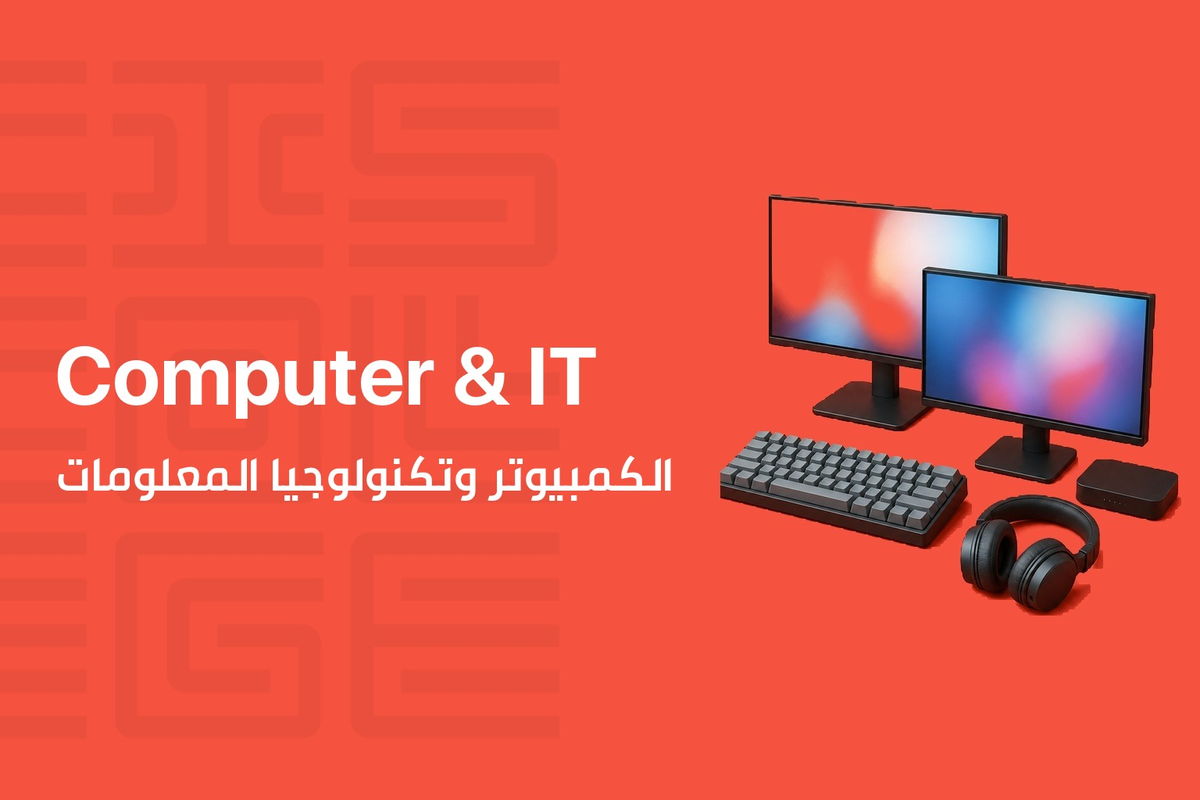
Digital Literacy is CIS College’s broadest foundations course, built for anyone who wants to feel confident with a computer rather than intimidated by it. Over 60 hours you move from the basics, how a computer and its files work, to the tools people use every day at work: Word, Excel, Outlook, PowerPoint, and Access, plus the internet, email, online meetings, and online safety.
The course is designed for beginners and keeps things practical. Every topic is explained with live examples first, then you apply it yourself on your own computer, and each major software section closes with a small project or test so you can see what you have actually learned. By the end you can navigate a computer system, manage files safely, use the core Microsoft Office applications, get around the internet and email with confidence, and understand the basics of staying safe and professional online.
What You Will Learn
- Operate a computer and its operating system confidently, including installing programs and understanding software licensing
- Organize, protect, and back up files and folders, and recognize common security threats like malware and phishing
- Use smartphones, tablets, and laptops effectively, including basic care and maintenance
- Understand the basics of computer networks and how devices connect and communicate
- Create, format, and manage documents, spreadsheets, presentations, and simple databases in Microsoft Office
- Use email, online meeting tools, and internet search safely and productively
- Shop and make payments online safely, and know your consumer rights and protections
- Apply basic digital ethics, online etiquette, and workplace soft skills such as communication and time management
Course Curriculum
| Module | What you cover |
|---|---|
| Computer and Device Fundamentals | Computer hardware basics, installing and running programs, software licensing, and finding your way around the operating system, desktop, and settings |
| File Management and Digital Security | Organizing files and folders, storage and backup, malware, password management, two-factor authentication, and safe browsing habits |
| Mobile, Laptop and Tablet Essentials | Smartphones, tablets, and laptops, their specifications, common apps, and basic preventive maintenance |
| Networking Basics | What a computer network is, its purpose, and the two main types of networks |
| Microsoft Word | Creating, formatting, and printing documents, working with text, tables, and images, finished with a hands-on project |
| Microsoft Excel | Building formulas and functions, formatting and adjusting worksheets, and printing workbooks, finished with a practical test |
| Outlook and PowerPoint | Managing email, contacts, and calendars in Outlook, and building presentations with slides, SmartArt, and media in PowerPoint |
| Microsoft Access | Understanding fields, records, and tables, sorting and filtering data, and creating simple forms and reports |
| Graphics and Digital Images | Working with graphics software, scanning and editing images, and creating a simple flyer or chart |
| Internet, Email and Online Safety | Browsing, searching, and using email, plus safe online shopping, payments, and consumer protections |
| Online Meetings and Research | Running and joining online meetings, and doing reliable online research while avoiding plagiarism |
| Digital Ethics and Workplace Soft Skills | Responsible online behavior, communication and customer service basics, time management, and teamwork |
Who This Course Is For
This course is built for beginners. It assumes no prior computer experience and is designed to make information technology accessible and user friendly for anyone who wants a solid, practical foundation for using computers at work or in daily life.
Target audiences
- Beginners with little or no prior computer experience
You May Like


Contact us to hear when new training sessions and official majors open for registration.
About us
CIS College delivers practical, career-focused technical and vocational education in Lebanon. We turn hands-on training into real employment outcomes.
Useful Links
Contact us
Follow us